Educational Facial Mapping
The tool reviews visible landmarks, tone variation, texture patterns, and symmetry cues to create a more structured starting point for your consultation.
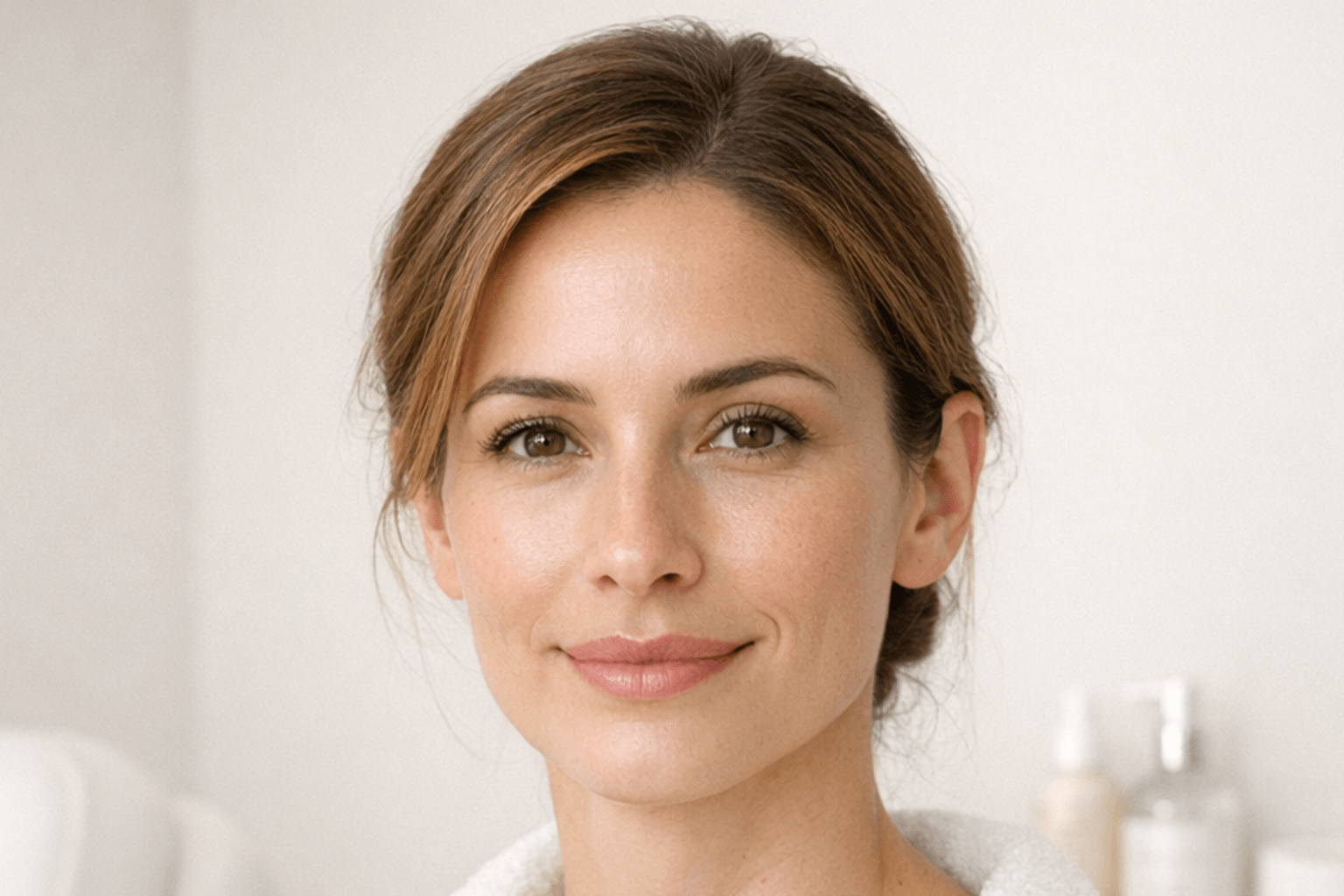
Upload one clear front-facing photo to receive an educational facial analysis that highlights visible skin concerns, facial-balance patterns, and treatment options that may be worth discussing with the NPMD team in Encino.
The tool reviews visible landmarks, tone variation, texture patterns, and symmetry cues to create a more structured starting point for your consultation.
AI results are not the final answer. NPMD uses them as a screening aid before provider review, treatment planning, and in-person recommendations.
Local preview blur can obscure the photo on your screen. It does not change the image sent to the external AI processor.
Better image quality leads to a more useful educational scan. Use these simple steps before uploading a photo so the facial analysis can read skin, structure, and facial details more clearly.
Use bright natural light or even indoor lighting without heavy shadows
Face the camera directly, keep your chin level, and use only one face in frame
Pull hair back and remove glasses or anything covering the face
Use little or no makeup so texture and tone are easier to review
When you choose Analyze, your photo is sent to an external AI processor for educational feedback. Selecting a photo only prepares a local preview. Read the Privacy Policy before choosing a photo.
Drag and drop one JPG, PNG, or WebP image here, or click to browse from your device.
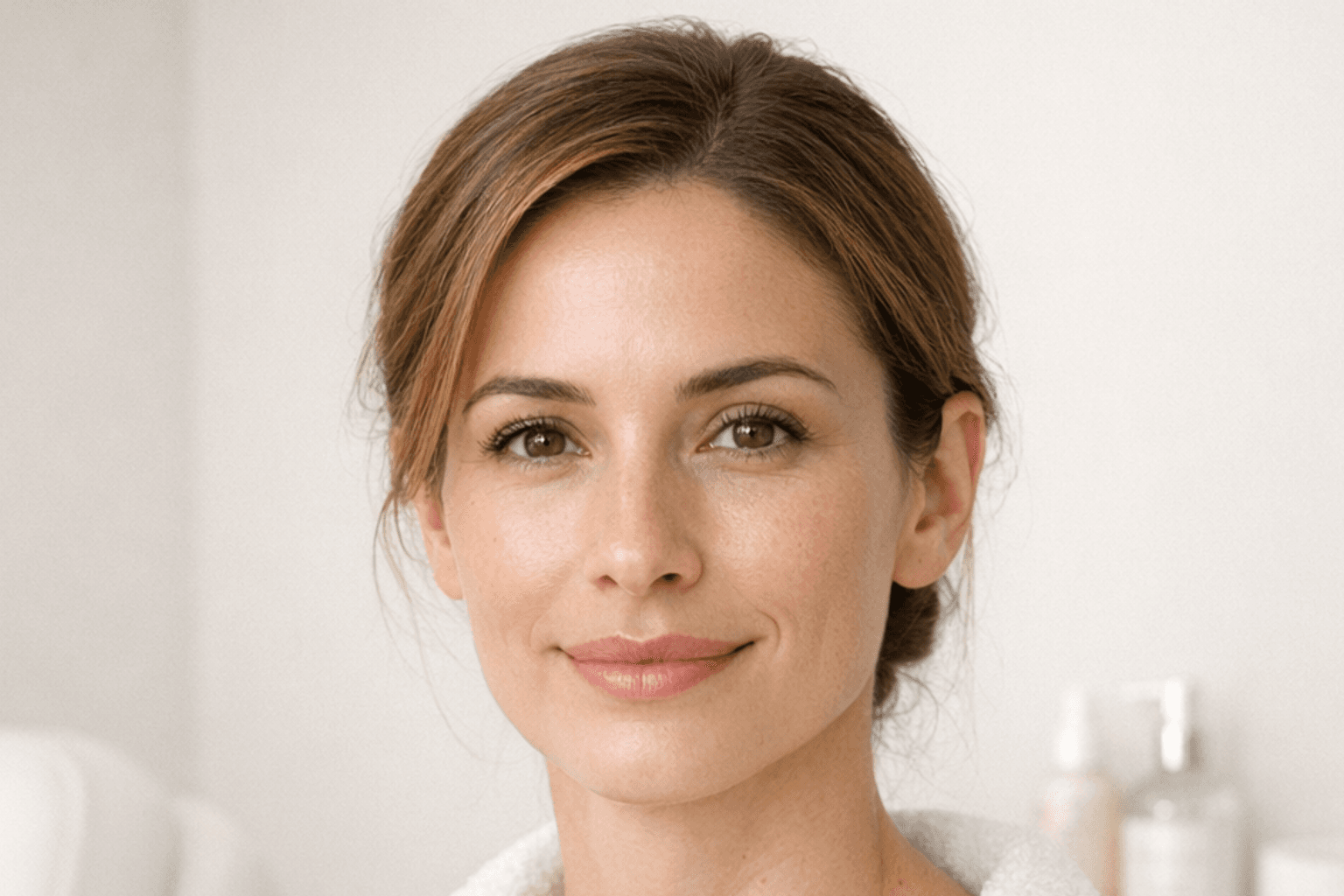
Use one clear front-facing face photo with the full face visible, even lighting, and no sunglasses, masks, or heavy filters.
When you select Analyze Photo, this website sends the uploaded facial image to an external AI processor configured by NPMD (OpenAI or another OpenAI-compatible provider). The purpose is to generate an educational review of visible facial and skin features and possible topics to discuss with a clinician.
The on-screen preview stays in this browser tab, but preview blur only changes what is shown on your screen; it does not prevent the original image from being sent for analysis. NPMD does not make a provider-specific zero-retention, deletion, or no-training promise here because those terms have not been verified in this flow. Do not upload a photo unless you are comfortable with this processing. You may contact NPMD through the Privacy Policy to ask about the configured provider or a deletion request.
Read the Privacy Policy before uploading if you want more information.
Use one clear front-facing photo only. Results are educational and do not replace an in-person consultation. Analysis remains disabled until a photo, age confirmation, and processing consent are provided.